07-Exchange space expansion
1. Exchange space
Swap space is a mechanism used by the operating system to expand available memory. It can continue to run when there is insufficient memory, avoiding program crashes or system freezes!
note
: The access speed of swap space is much lower than that of physical memory
2. Swap space expansion
sudo systemctl disable nvzramconfig
sudo fallocate -l 8G /var/8GB.swap
sudo mkswap /var/8GB.swap
sudo swapon /var/8GB.swap
echo "/var/8GB.swap none swap sw 0 0" | sudo tee -a /etc/fstab
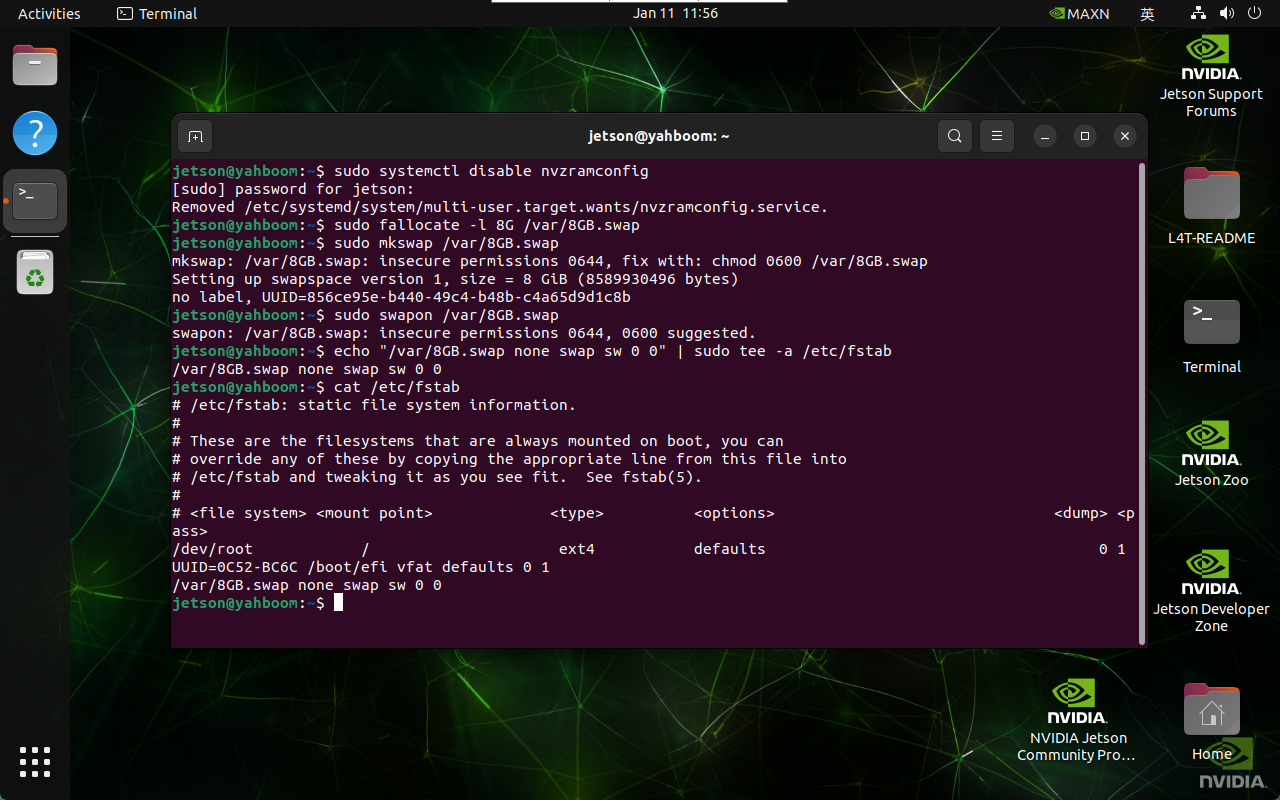
2.1. Disable ZRAM swap configuration
Disable ZRAM swap configuration on Jetson devices: ZRAM compresses and stores memory pages in memory to reduce reliance on disk.
sudo systemctl disable nvzramconfig
2.2, Create 8GB file
Use fallocate to create a file of 8GB in size, located in the /var/8GB.swap path.
sudo fallocate -l 8G /var/8GB.swap
2.3. Set the swap space format
sudo mkswap /var/8GB.swap
2.4. Enable swap space
sudo swapon /var/8GB.swap
2.5. Permanently start swap space
echo "/var/8GB.swap none swap sw 0 0" | sudo tee -a /etc/fstab
3. Verify the expansion
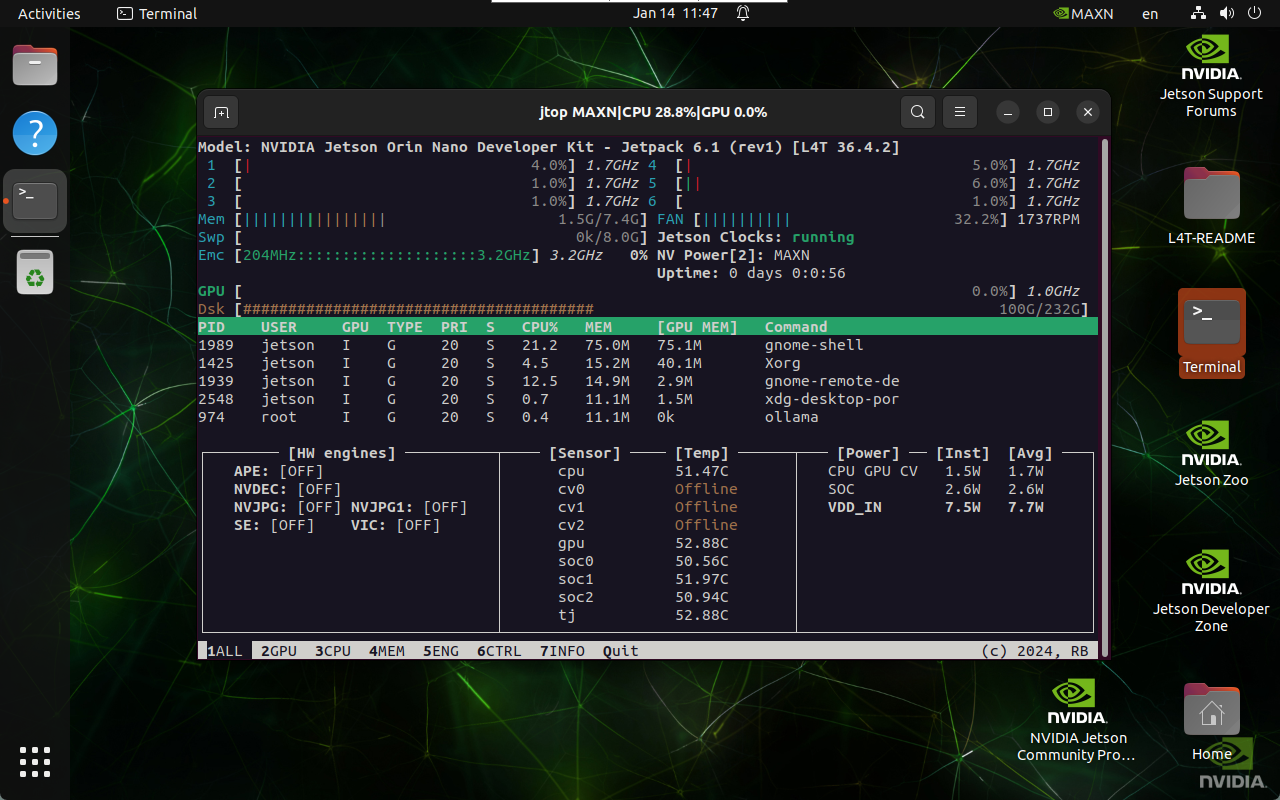
After restarting the system, the system swap space increases to 8GB: